01 / Expand your offer
Serve a niche.
Add a clearly defined service for suitable display scratches to your portfolio.
Zcratch for repair professionals
A working display with visible scratches: Zcratch offers an additional scratch treatment for suitable cases. Test the application in your own workshop first – with clear limits rather than blanket promises.
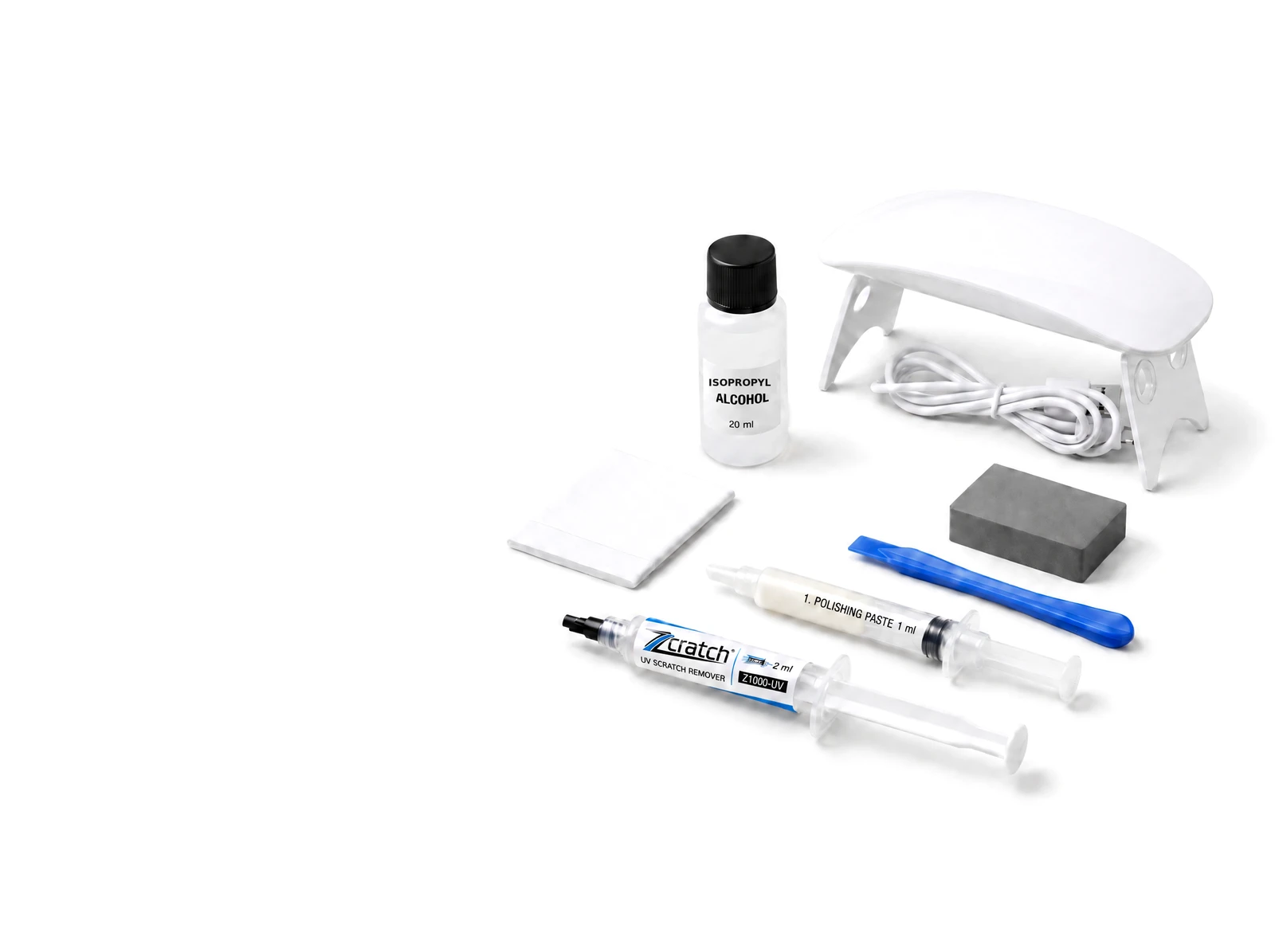
Understand first. Then test. Offer selectively.
01 / Problem & opportunity
Not every customer wants to replace a working display because of scratches. For suitable cases, assess an additional treatment and explain transparently what it can and cannot do.
01 / Expand your offer
Add a clearly defined service for suitable display scratches to your portfolio.
02 / Make customer contact count
Assess a suitable alternative when replacement is not an option for the customer.
03 / Service revenue
Create another revenue opportunity within existing customer conversations – without blanket profit promises.
02 / Suitable applications & limits
The focus is suitable scratches on an otherwise working display. Assess suitability before application based on its condition and the relevant product instructions.
Assess first
Assess the device model, surface and scratch pattern. Confirm the right product and model compatibility before testing.
Set clear limits
Cracks, broken glass, touch or image faults are not suitable for scratch treatment. Suitable deep scratches may also be treated; suitability and results depend on the individual case – without a universal success guarantee.
03 / Two different procedures
Explain and apply the two product lines separately. Always follow the relevant instructions – here is the basic difference.
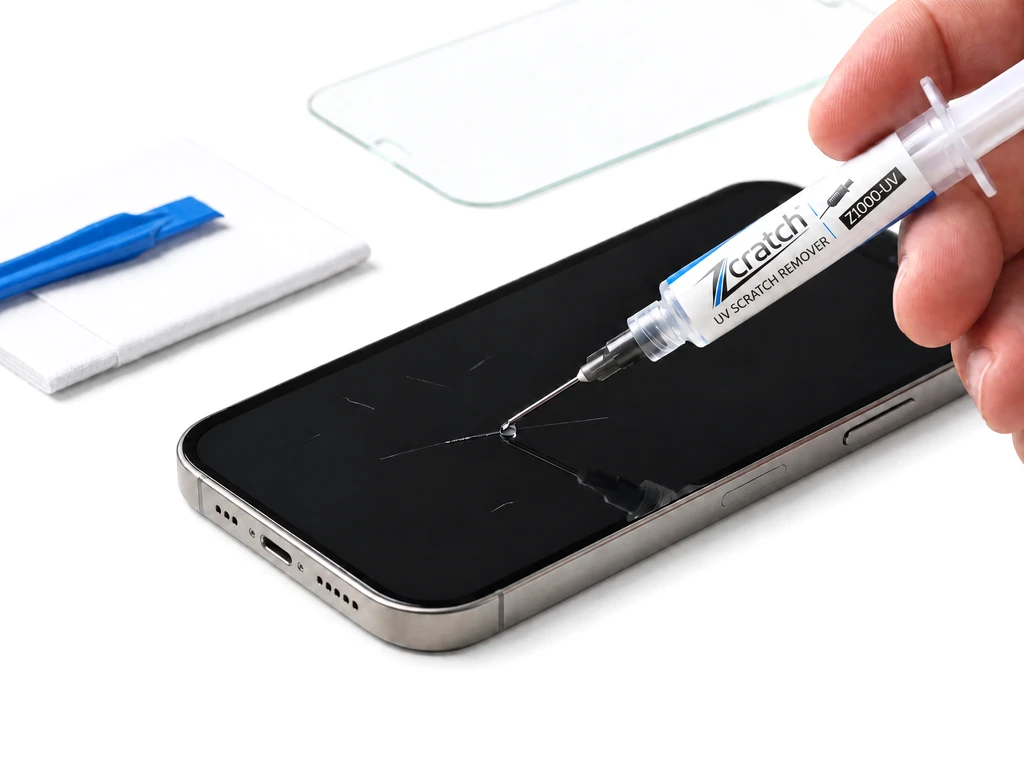
Smartphone / Tablet
The specially designed adhesive is applied pointwise to suitable scratches. Suitable protective glass is then fitted according to the instructions.
No full-surface adhesive application
Confirm suitability for your smartphone or tablet before application.
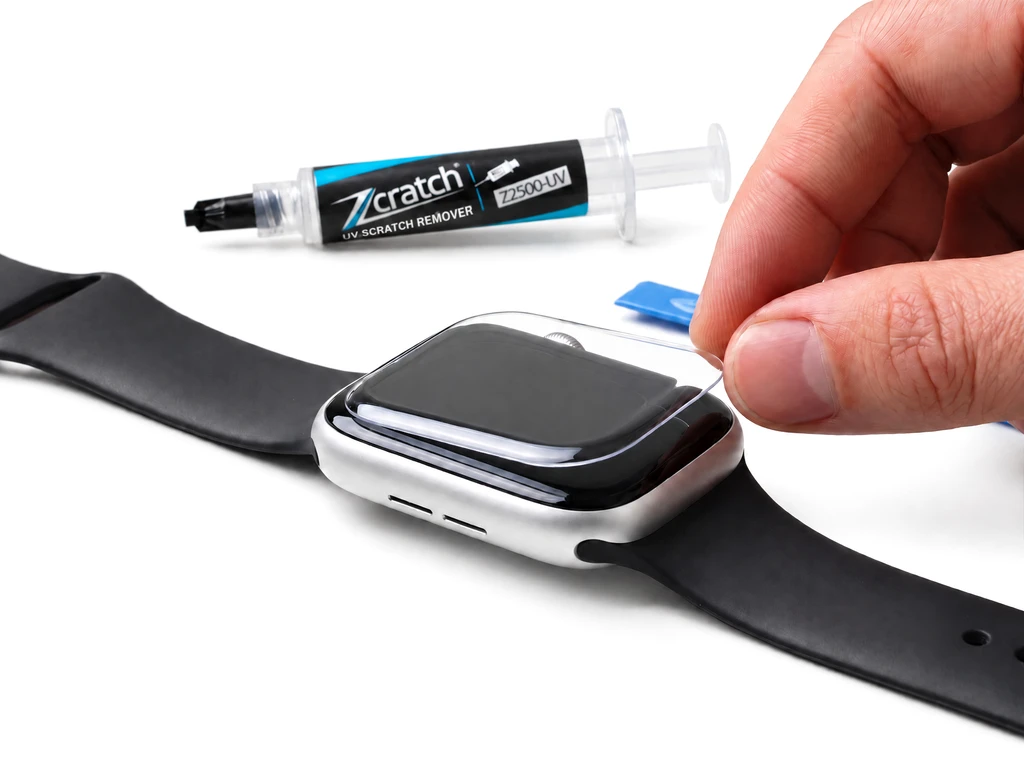
Apple Watch
For Apple Watch, Zcratch Watch adhesive is applied across the full surface and the model-specific specialist film is fitted according to the Watch instructions.
Confirm supported model compatibility first
Unlike pointwise smartphone adhesive application.
These steps do not replace the relevant product instructions.
04 / Kits for your workshop
Four kits with fixed contents cover initial testing and ongoing requirements by product line. Each kit has fixed contents and can be adjusted on request. We discuss suitable variants and terms with you personally.
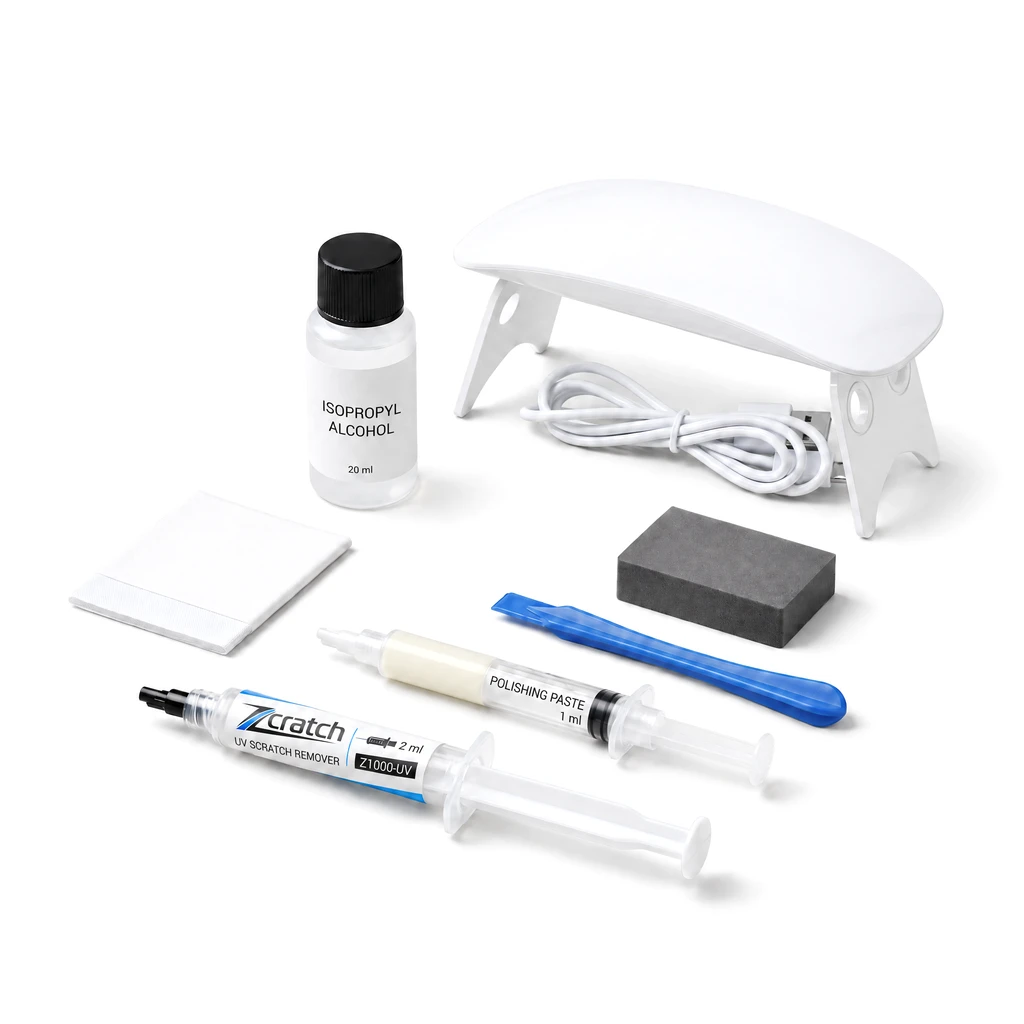
Smartphone / Tablet
For initial tests on suitable devices. Get to know the application and accessories in your own workshop.
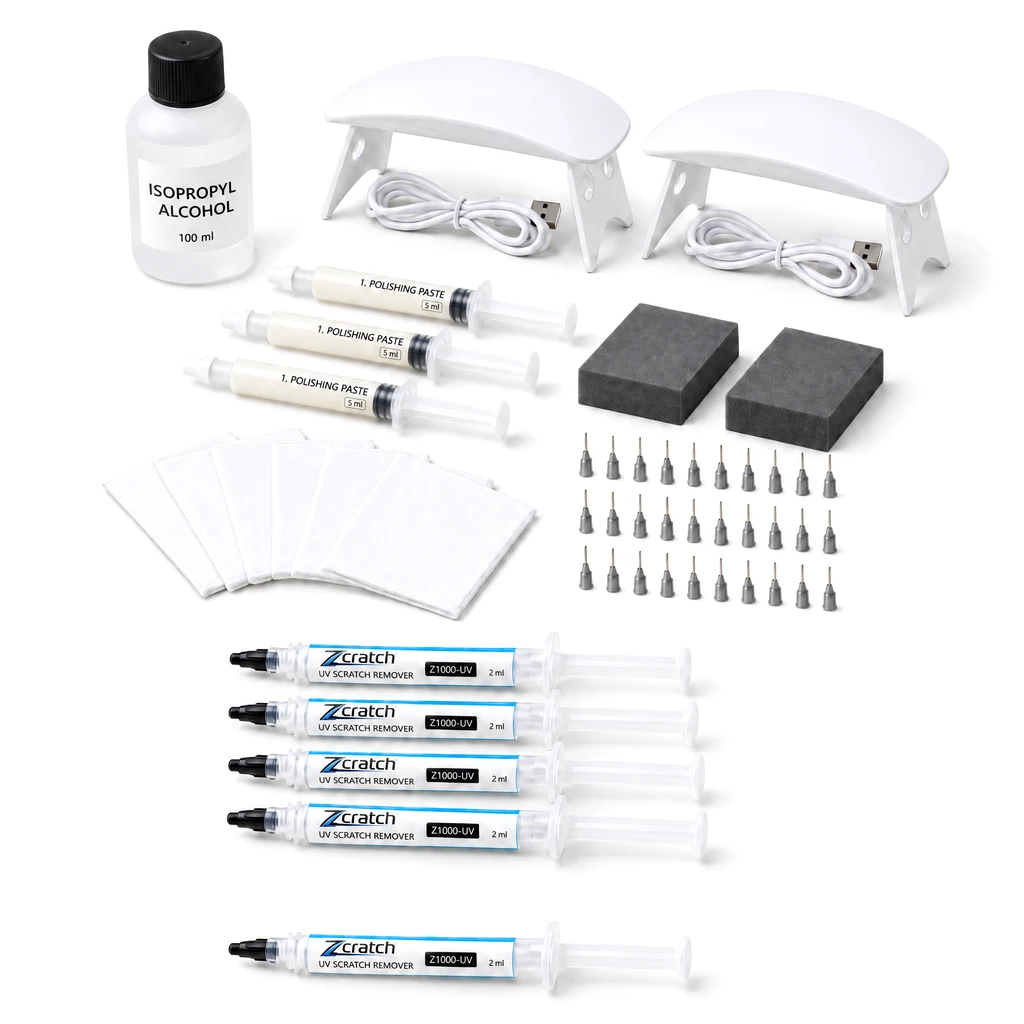
Smartphone / Tablet
For workshop use after practical testing. Plan around your own requirements.
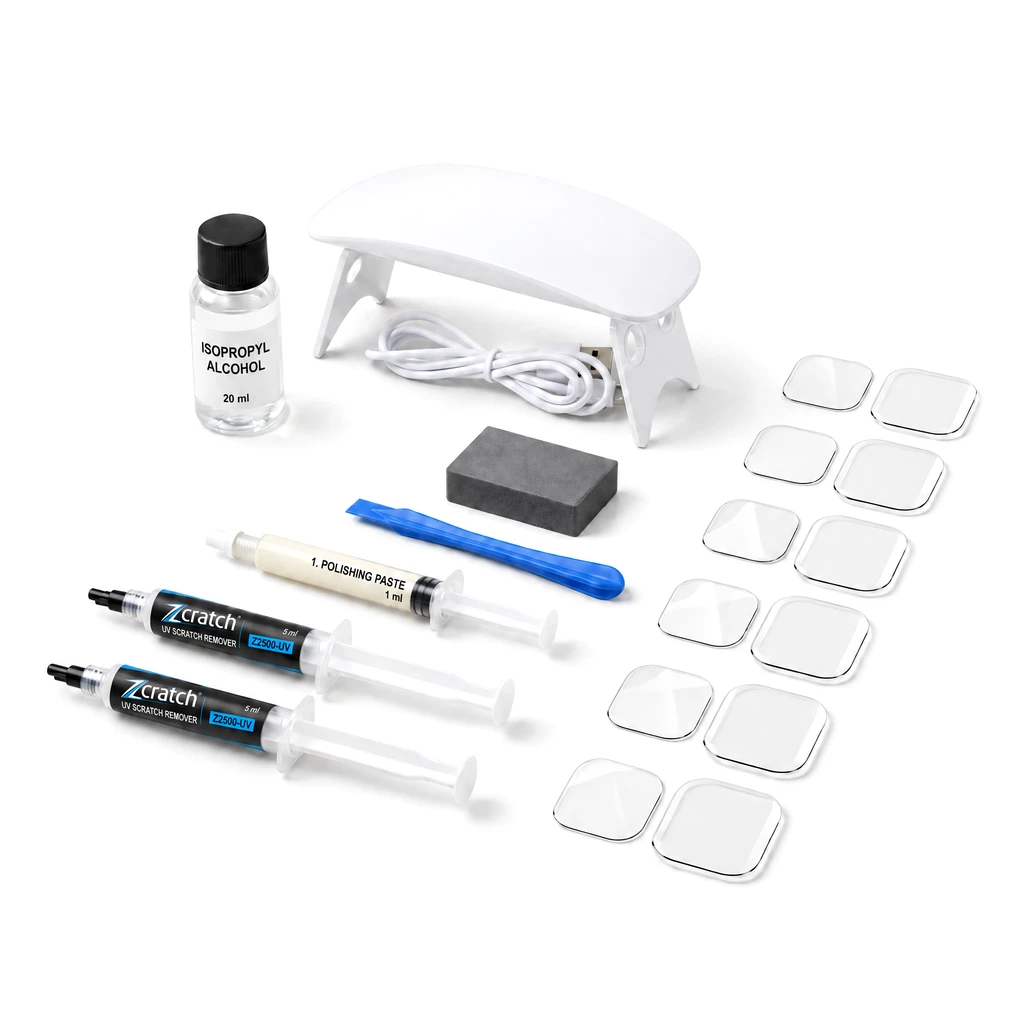
Apple Watch
For testing supported model combinations. Get to know the model-specific specialist film and application.
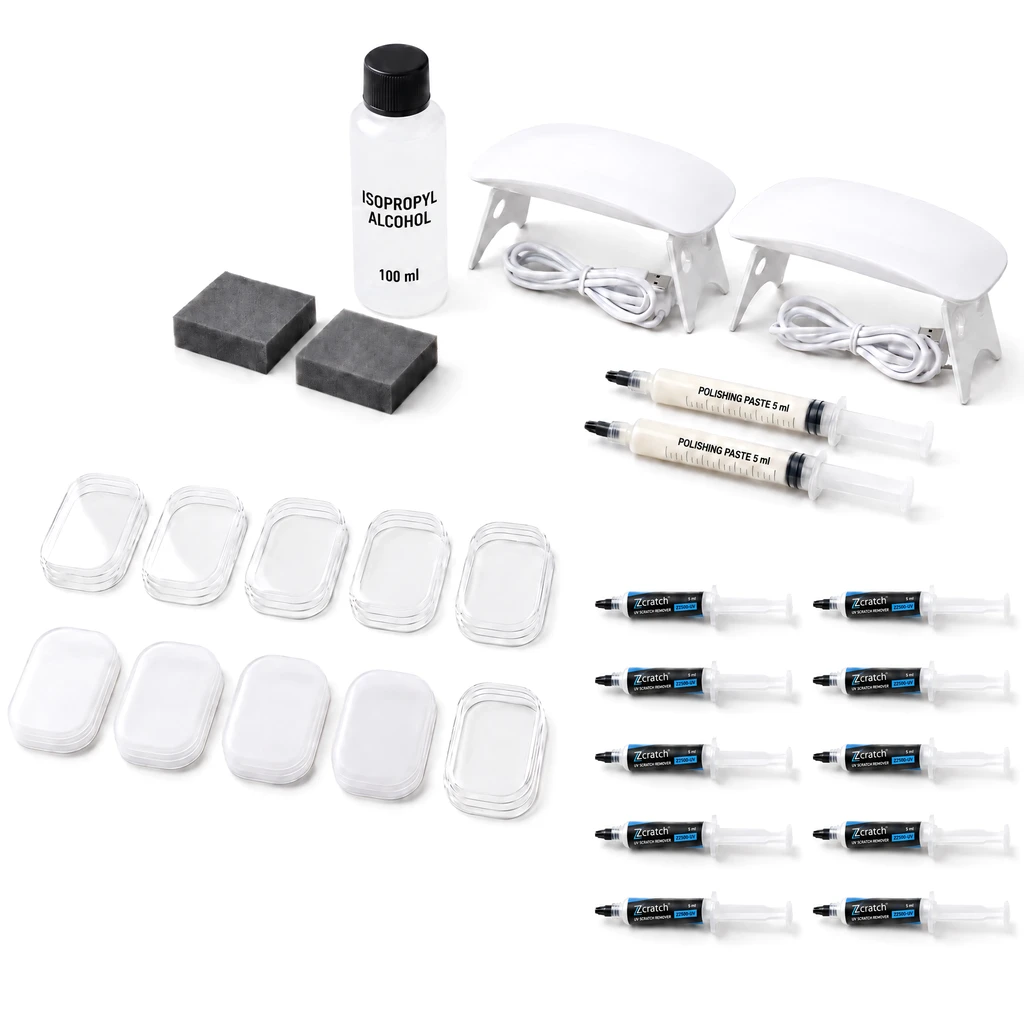
Apple Watch
For ongoing Watch requirements. Discuss your model mix and suitable films with us.
05 / Partner access
Partner access is for businesses. After confirming your email, submit evidence of your business. One form of evidence is sufficient for review: website, business registration document or VAT ID.
01 / Register
Register with your business email address and a password.
02 / Confirm
Open the confirmation link in your inbox. You can then submit your business profile.
03 / Introduce your business
Provide business details and one form of evidence: website, business registration document or VAT ID. Our team reviews and approves applications manually.
04 / Planned next step
Planned – not yet available. Once approved, you can currently view product information; prices and ordering are not yet available in your account.
Registration does not mean automatic approval. We discuss your requirements and suitable applications together.
06 / Next step
Start with a business account. Registration is directly below this information.
Questions about suitability, practical testing or your requirements? Talk to the Zcratch team before offering the service in your workshop.
Get in touch ↗Loading your account access. Business information is already available.